
How a VPN Fits Into Everyday Family Life
This post may contain affiliate links which might earn us money. Please read my Disclosure and Privacy policies here
The kitchen table can be a home office in the morning, a homework station after school, and the spot where you pay bills at night. When you leave the house, those same tasks often follow you to the library, a coffee shop, or a hotel.
A virtual private network, or VPN, is one tool that can help keep your connection more private as you move between those places.
A VPN encrypts the traffic it carries between your device and a server run by the VPN provider. On shared Wi-Fi, that gives people monitoring the network less information about what you’re doing. At home, it can limit what your internet provider can see about your browsing.
The VPN company handles that traffic, so its privacy practices matter.
If your main concern is what kids can open on a shared tablet, look for a separate content filter. Surfshark’s inappropriate website blocker lets you choose categories of websites to block on supported devices. A VPN and a content filter serve different purposes.
The VPN protects the connection, while the filter limits access to the categories you select.
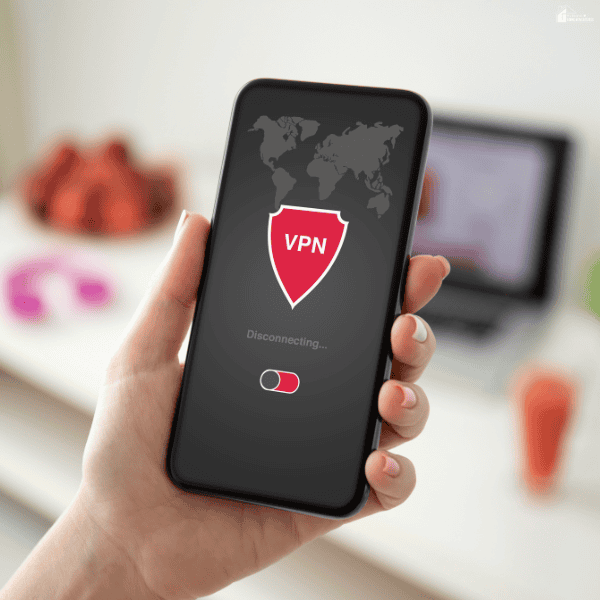
When a VPN Comes in Handy Away From Home
Picture a weekend trip where you use hotel Wi-Fi to check a reservation or catch up on email after the kids fall asleep. A VPN can add a layer of privacy to that shared connection. The same goes for working at the library while your child attends a program or answering emails at a coffee shop between errands.
If you have a reliable mobile signal and only need to look up one thing, using cellular data may be simpler. For a longer session on shared Wi-Fi, connecting your VPN first can become part of your routine.
Some networks ask you to accept their terms before you can get online. Finish that sign-in step, then turn on your VPN before opening the apps you plan to use.
How a VPN Fits Into Working From Home
If your employer gives you a VPN, use it as directed for work. It may be how you reach internal files or tools from your kitchen table. A personal VPN serves a different purpose. It routes your personal internet traffic through a VPN provider and leaves access to company systems under your employer’s control.
For a household that mostly connects from home, start with the basics. Give your Wi-Fi a strong password and keep your router and devices updated. Turn on multifactor authentication for important accounts, especially email.
If someone sends you a fake delivery text, open the retailer’s app or type its address yourself. A VPN can protect your connection while a scam site can still collect information you type into it.
Set Up Family Devices Around How You Use Them
Start with the device everyone reaches for. A shared tablet might handle school research during the week and recipes on Saturday morning. Check which controls are already available through the device or your child’s account.
If you add a web filter, test it on the tablet and make sure your child can still reach the sites they need for school.
It helps to decide what kids should do when something upsetting comes up on screen. A simple rule is to close it and tell an adult. Let them know they can ask for help even if they clicked the link themselves. That conversation gives them something to fall back on when they’re using a friend’s device or a computer outside your home.
Revisit those settings when your household routine changes. A child who starts doing homework on a laptop may need access to school resources they rarely used on a shared tablet.
Try the school portal together and make sure assignments, videos, and research tools open as expected. Invite your child to tell you which sites they need and when a filter gets in the way. That gives you a chance to adjust the settings before a homework deadline.
Decide if a VPN Is Worth Paying For
Think about the devices you would use it on and how often you connect away from home. If you regularly work at the library or travel with a family laptop, you may get frequent use out of a subscription.
If most of your concern is about what kids can access on one tablet, try its built-in controls first. You may already have the settings you need.
Before you subscribe, check the renewal price, which devices the plan supports, and what the provider says about collecting and sharing data. Test it during a normal week.
Try a video call, open the apps you rely on, and make sure everyone who needs the VPN knows how to connect. A plan that runs smoothly on your phone may feel different on the laptop you use for work.
The best setup is one your family can remember on a busy day. Keep your everyday accounts and devices secure, use a trusted VPN when you need more privacy on a shared connection, and set clear browsing rules for the devices your kids use. Start with the device you reach for most and build from there.