
Biweekly Savings Spreadsheet (Free Google Sheets Tracker for Low Income)
This post may contain affiliate links which might earn us money. Please read my Disclosure and Privacy policies here
Saving money on a low income is hard — not because you don’t care, but because most systems don’t work for real life. When money is tight, you need something simple, flexible, and easy to use, not a complicated budget that makes you feel behind.
That’s why I created this biweekly savings spreadsheet. It’s the same system I’ve used for years to build emergency savings and reduce money stress, even when I didn’t make much money.
This is a free Google Sheets tracker you can copy and use on your phone, tablet, or computer.
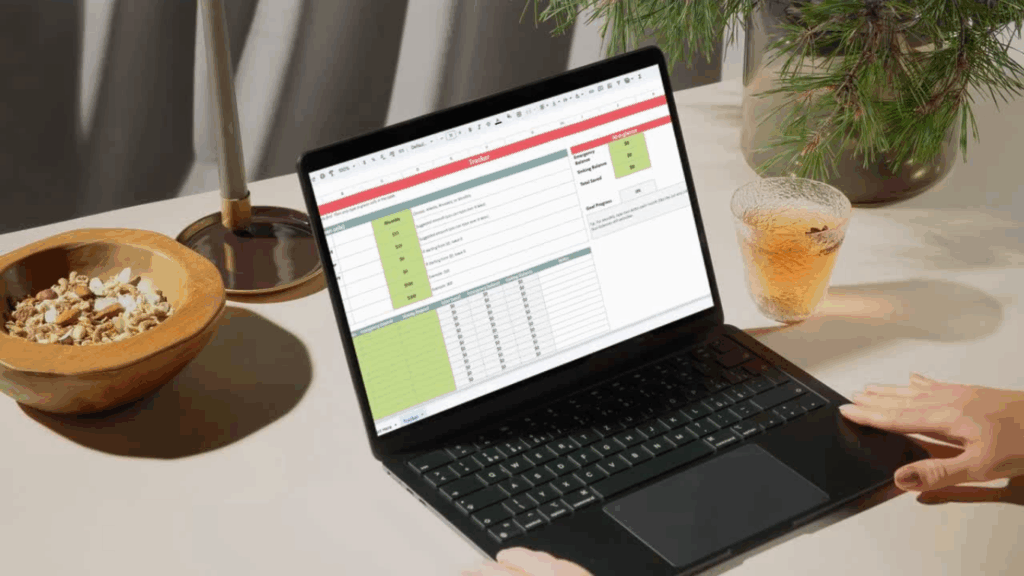
What Is a Biweekly Savings Spreadsheet?
A biweekly savings spreadsheet helps you track how much you save from each paycheck. Instead of trying to budget a full month at once, you focus on one paycheck at a time.
Every time you get paid, you enter:
• the date
• how much you saved
• how much went to your emergency fund
• how much went to sinking funds
The spreadsheet then keeps a running total so you can see your progress without doing any math.
This works especially well for low income households because it allows you to save in small amounts while still seeing real growth over time.
Who This Spreadsheet Is For
This tracker is perfect for you if:
• you live paycheck to paycheck
• you feel behind on savings
• you want an emergency fund
• you get paid weekly, biweekly, or monthly
• you want something simple, not overwhelming
You don’t need to be “good with money” to use it. You just need to be willing to start.
Why This Works on a Low Income
Most budgets fail because they assume nothing will go wrong. Real life doesn’t work that way. This spreadsheet is built to handle real life.
You can:
• save small amounts
• skip a week if needed
• add more when you can
• and even record when you have to use your savings
If you take money out of your emergency fund, you simply enter a negative number and the tracker adjusts your balance. That way everything stays honest and clear.
Saving isn’t about being perfect — it’s about having a system that keeps going.
How the Biweekly Savings Tracker Works
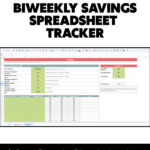
When you open the spreadsheet, you’ll see two main parts.
The first is a setup area where you enter:
• how often you get paid
• how much you want to save each paycheck
• your starting balances
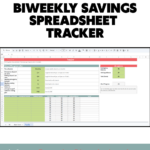
The second part is the tracker itself. Each row is one paycheck. You enter the date and how much you’re saving, and the spreadsheet does the rest.
You’ll see your:
• emergency fund balance
• sinking fund balance
• and total savings grow over time
It’s designed so you don’t have to think — just fill in the green cells and go.
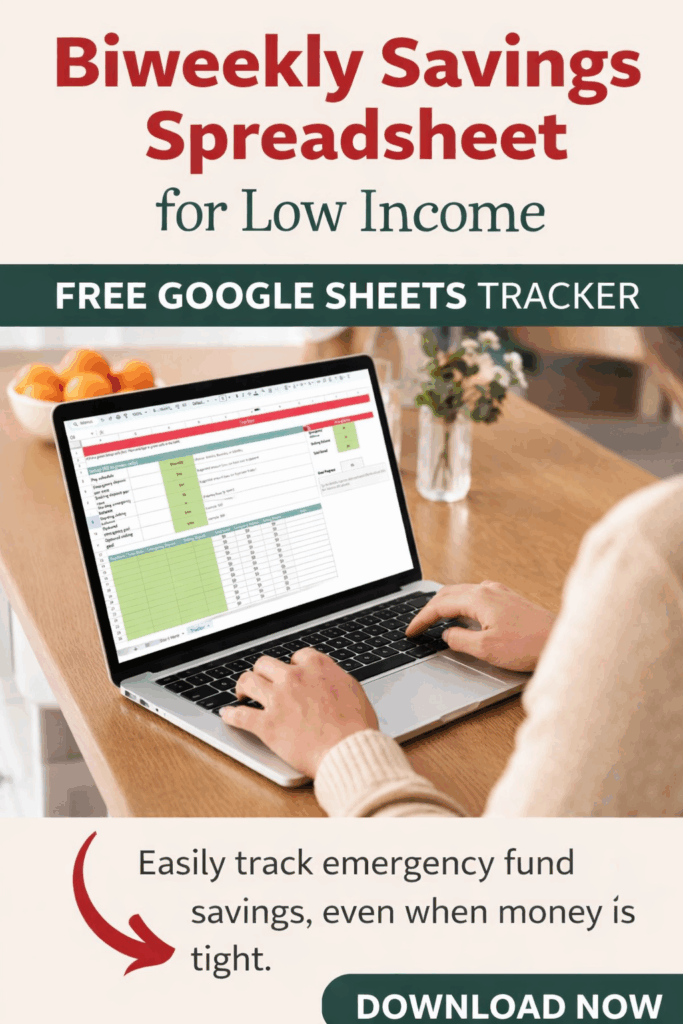
Get Your Free Biweekly Savings Spreadsheet
I made this spreadsheet because I was once a single mom living paycheck to paycheck and I needed something that actually worked. Small, steady savings changed everything for me, and this tracker is the same system I still use today.
To get your free copy of the Biweekly Savings Spreadsheet, just sign up in the form below. I’ll email you the link so you can make your own copy in Google Sheets and start using it right away.
Want to understand the system behind this tracker?
If you’re new to saving or want to understand how this tracker fits into a bigger picture, I also wrote a full guide on creating a biweekly savings plan for low income households. It walks through how to save from each paycheck, how much to start with, and how to build emergency savings even when money is tight. You can read it here to see how the system works step by step.
You don’t have to do this alone. Small steps, taken consistently, can change everything.